 Hardware Ready Ready to Bench?
Bluetooth A2DP offload. You spend many hours driving every week and are not satisfied with the sound of your stereo system? Before blaming the speakers, it might be useful to check one thing: the problem could lie in your smartphone.
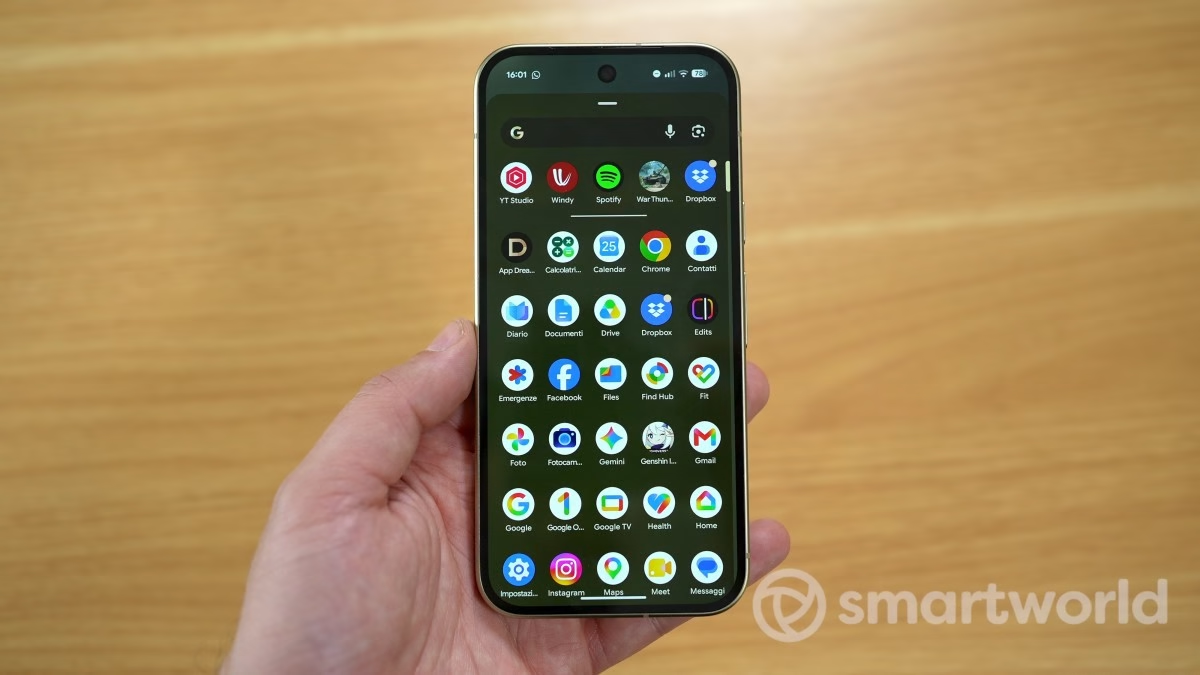
There is a hidden setting in Android Developer Options that can significantly improve Bluetooth audio quality, and enabling it takes less than a minute.
Bluetooth A2DP offload: why it matters
To understand why this setting exists, you need to comprehend how the audio chain works when listening to music in the car via Bluetooth. By default, Android delegates audio signal processing to a dedicated low-power DSP chip designed to save battery. The problem is that this chip, not intended for high audio fidelity, tends to degrade the signal before it even leaves the phone.
This is compounded by the fact that the car radio already receives a compromised signal and applies its own equalizer on top of it, creating what the source describes as double processing that strips away details surviving Bluetooth compression. The result is that flat, depthless sound many mistakenly attribute to the car’s speakers.
The setting in question is called Disable Bluetooth A2DP hardware offload and is located in the Android Developer Options menu, under the Bluetooth section. Enabling it instructs the system to ignore the dedicated DSP chip and instead use the main CPU to process the audio signal, providing a more direct and less manipulated path to Bluetooth.
To access Developer Options, if you have not already unlocked them, go to Settings → About phone and tap the build number seven times in a row. After finding and enabling the A2DP Hardware Offload option, the phone will request a restart: this is necessary to apply the change.
However, there is an important warning: on some devices, the option may be locked by the manufacturer. Those with a Nothing Phone 3, for example, find the switch visible but permanently disabled due to how Nothing has configured its version of Android. On other phones, it might not appear at all.
What changes and what are the effects
The practical result, according to those who tried this modification on a Google Pixel 7 connected via wireless Android Auto, is a more defined bass response and generally less compressed sound. Do not expect miracles: quality remains inferior to that of a cable, and Bluetooth compression remains the main limitation. But for those who use the car as their daily listening space, the improvement is noticeable.
The downside is that shifting audio processing to the CPU generates slightly more heat during long trips and consumes a bit more battery. Nothing dramatic, but it is worth knowing. Another useful tip: if your car radio has an active equalizer, disable it so that the signal reaching the speakers is exactly what the phone transmits, without further manipulations.
If you want to explore Bluetooth audio customization possibilities on Android in depth, there is also a hidden menu to change the Bluetooth codec in Developer Options, which is worth exploring alongside this setting.
Source and further reading on Bluetooth A2DP offload: original article.
* Content created with the assistance of artificial intelligence systems.