 Hardware Ready Ready to Bench?
Googlebook Linux terminal. Google is expanding Googlebook’s functionality by introducing a Linux terminal in preview, designed to make the platform’s laptops better suited for software development and experimenting with advanced tools. The update was announced on the official Android Developers blog.
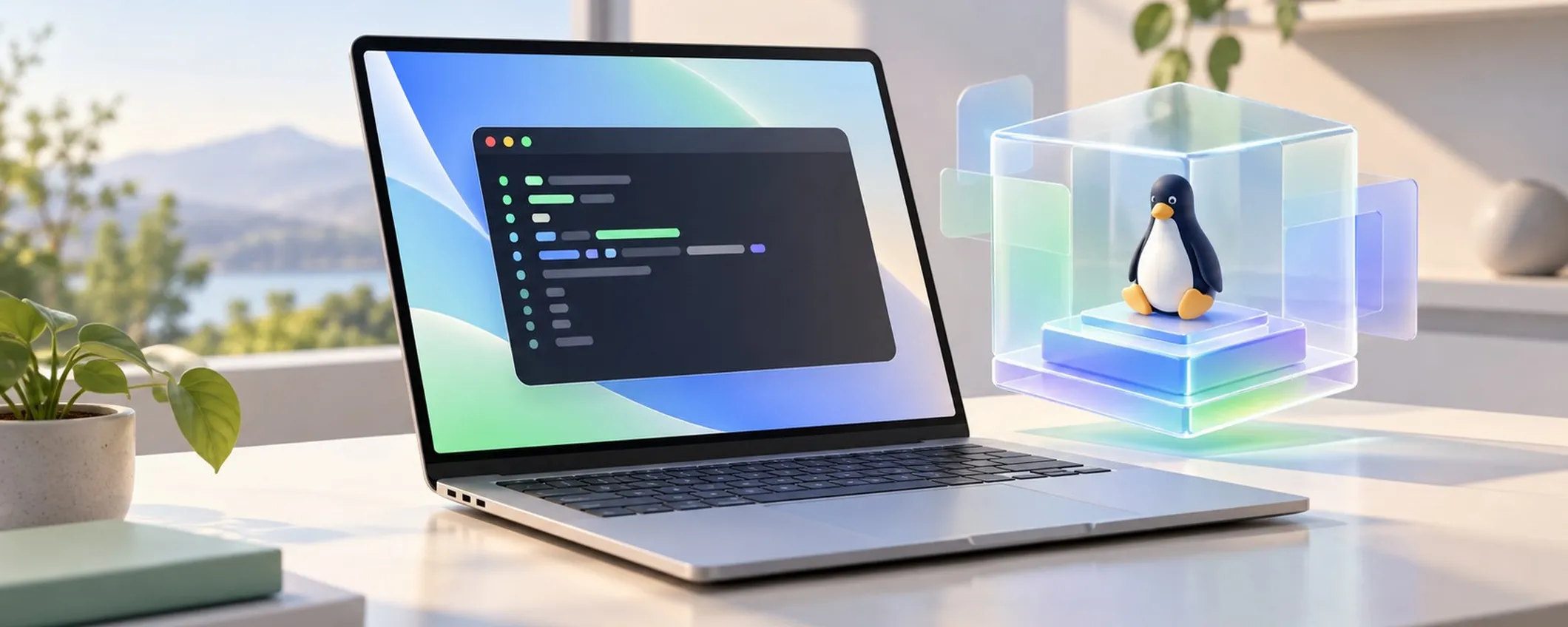
The feature introduces a dedicated environment that allows users to work with programming languages, command-line tools, and AI-assisted workflows. The goal is to bring the user experience of these devices closer to the needs of programmers and technically savvy users while maintaining integration with the main system.
Googlebook Linux terminal: why it matters
Currently in preview, this feature represents a significant step in the evolution of the Googlebook ecosystem, especially for those who want to experiment with new development modes directly on their computer.
How the Linux terminal works on Googlebook
The new terminal runs a Debian Linux environment within an isolated virtual machine. This architecture allows the use of typical Linux development environment tools while maintaining separation between activities performed in the virtual machine and the main operating system.
Available resources include Git, SSH, and the apt package manager, along with Python, Node.js, Ruby, Go, and Rust languages. Support for these tools expands the device’s usability, from script writing to web application development, repository management, and automating repetitive tasks.
A relevant element is access control: folders on the main system are not automatically shared with the Linux environment but require explicit authorization. AI agent-based tools can also obtain administrative privileges within the virtual machine without receiving unlimited access to computer data solely for that reason.
Google also provides an option to restore the virtual environment, useful when experiments modify configurations or produce undesired results. Integration also involves file management: files available in the Linux environment can be viewed through Googlebook’s File app.
The system also supports automatic localhost port forwarding, a function useful for verifying web applications running during development. The memory allocated to the virtual machine can be adjusted by the user based on operational needs.
Upcoming features and prospects for developers
Google is working on expanding the terminal’s capabilities, with the intent of transforming the environment into a more complete tool for complex projects. Among the planned developments is support for Linux graphical applications, which can be launched directly from the launcher, reducing the need to interact exclusively through text commands.
The roadmap also includes USB passthrough to the virtual machine and Android Debug Bridge support via USB connection. These functions will facilitate connecting physical devices and debugging activities, complementing the possibilities already offered by network connectivity and wireless debugging.
Another area of development concerns dynamic resource management. Memory and storage allocation should better adapt to individual project needs, while hardware acceleration via GPU and NPU is set to favor more demanding local workloads.
The virtual machine will also be able to run independently from the terminal window, facilitating prolonged operations.
Source and further reading on Googlebook Linux terminal: original article.
* Content created with the assistance of artificial intelligence systems.