 Hardware Ready Ready to Bench?
Windows 11 KB5127936. Microsoft has released the KB5127936 preview update to resolve a malfunction regarding Smart App Control introduced with the KB5127648 security patch on Windows 11, distributed starting October 13, 2026.
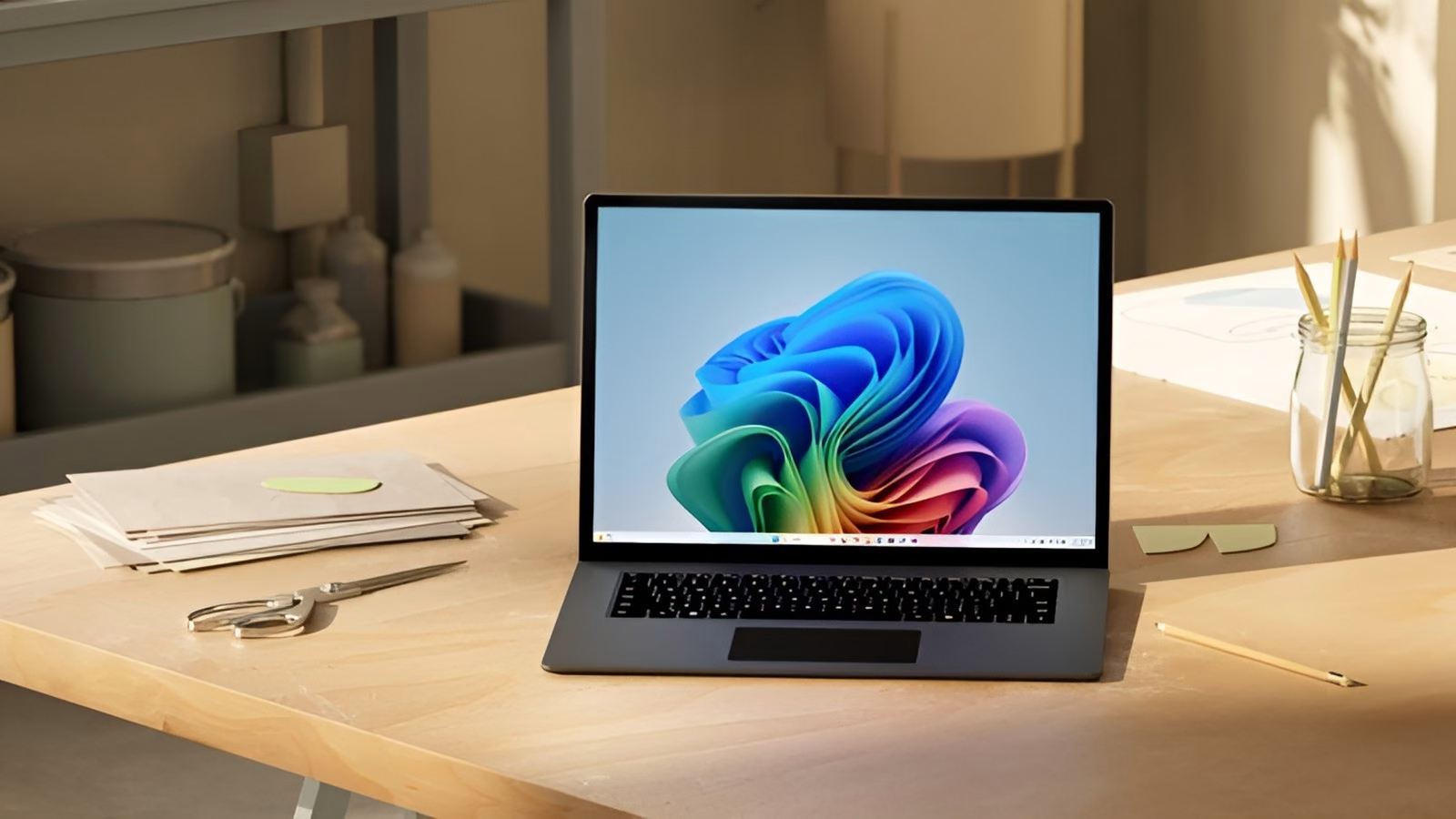
The issue prevented users from reactivating the built-in security feature within the Windows Security app. The option appeared grayed out and unselectable, effectively blocking protection on devices where it had been previously disabled.
Windows 11 KB5127936: why it matters
Smart App Control uses Microsoft’s code integrity services and artificial intelligence to block potentially harmful applications and binaries, in synergy with SmartScreen and Defender. The functionality remained active and functional on systems where it was already configured before the update installation.
The specific issue affected Windows 11 version 24H2 and later. The official fix was released on October 28 with the KB5127936 preview update. Microsoft confirmed that this update resolves the bug for devices running Windows 11 25H2 and 26H2, eliminating the need to apply manual alternative solutions.
The company still recommends installing the latest security updates, which include this and other critical fixes. For those who cannot or do not wish to install the preview update – particularly system administrators in enterprise environments – Microsoft has provided two temporary workarounds.
The first involves manually modifying the system registry using the following commands, to be executed as an administrator: reg add "HKLMSYSTEMCurrentControlSetPoliciesMicrosoftFeatureManagementOverrides" /v 2883193997 /t REG_DWORD /d 1 /f and reg add "HKLMSYSTEMCurrentControlSetPoliciesMicrosoftFeatureManagementOverrides" /v 2850574478 /t REG_DWORD /d 1 /f.
What changes and what are the effects
Alternatively, dedicated Group Policy packages (KB5074105 261015_19222 and 261015_19221) can be deployed for versions 24H2, 25H2, and 26H2.
The KB5127936 update also resolves other recently emerged issues, including errors related to Remote Desktop linked to the administrator protection feature and Always On VPN malfunctions caused by the September 2026 cumulative updates. Users on Windows 11 24H2 will still need to rely on workarounds while awaiting a definitive fix in upcoming updates.
Source and further reading on Windows 11 KB5127936: original article.
* Content created with the assistance of artificial intelligence systems.