 Hardware Ready Ready to Bench?
A security update released by Microsoft for Excel is causing anomalous behavior that can go unnoticed until a routine operation suddenly fails. The KB5002914 package, distributed on September 8, 2026, for Excel 2016, introduced reports concerning sheet editing functions.
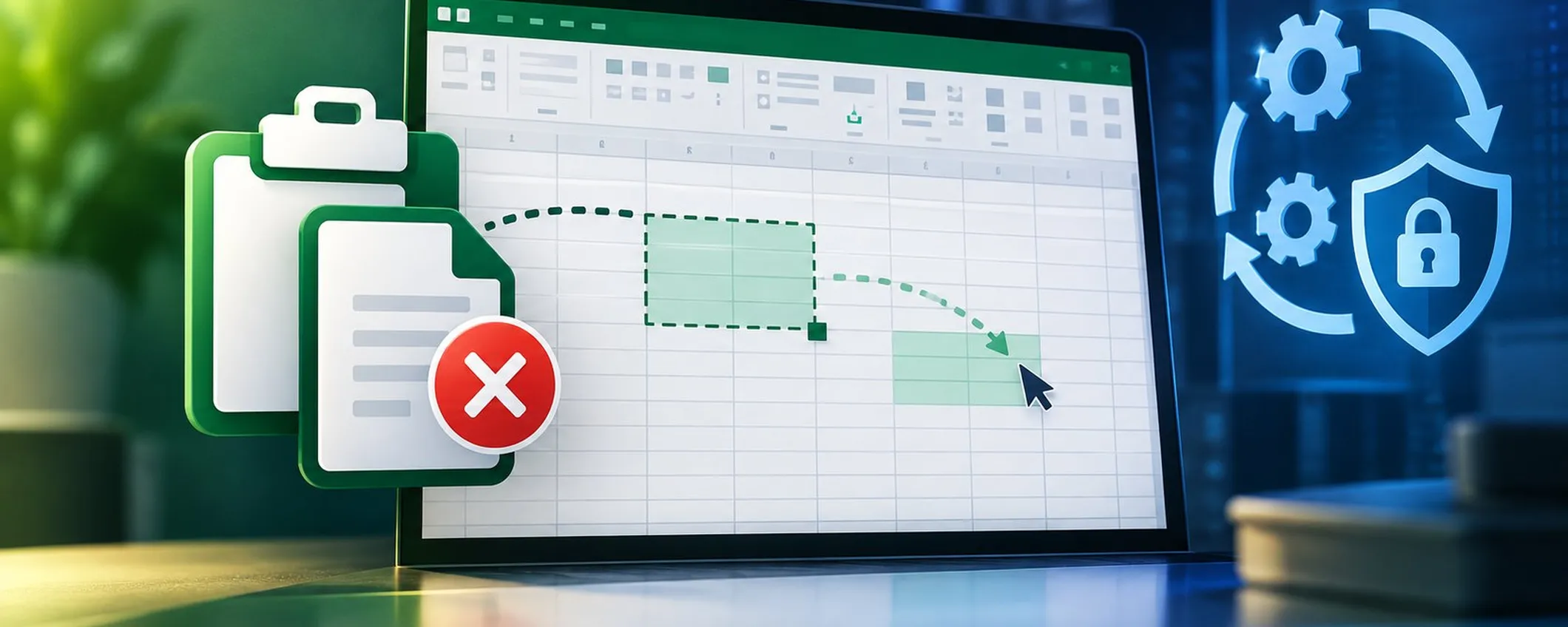
The first reports appeared on Microsoft Q&A forums and Reddit, leading Microsoft to subsequently acknowledge the malfunction by including it among known issues in its official documentation. This incident raises questions about both software reliability and security update management.
Excel copy-paste bug: why it matters
For users operating Excel in professional contexts, it is essential to verify the installed version and distinguish an application error from a regression caused by the update. Microsoft has identified the defect in Excel 2016, 2019, 2021, and 2024 versions.
According to official documentation, after executing the paste command, the original selection remains active, and the target cell or area is not modified. The application provides no error message or audio signal, making it difficult to identify the cause of the anomaly.
Microsoft has stated that it is working to investigate the issue and promises further information on the support page dedicated to update KB5002914. Some users have also reported anomalies in formula dragging, observed across various Office configurations, including MSI and Click-to-Run setups.
It is important to note that KB5002914 is a security update designed to fix vulnerabilities related to code execution and information disclosure. For Excel 2016, this package replaces the previous update 5002886.
Some users have reported that uninstalling KB5002914 can restore normal functionality in MSI installations. For Click-to-Run configurations, rolling back to the previous Office build has been suggested. However, these are unofficial procedures not published by Microsoft.
What Changes and What Are the Effects
Manually replacing the excel.exe file with a previous version has also been proposed, but BleepingComputer advises against this practice due to potential compatibility, stability, or security issues that may arise. For managed environments, it is preferable to maintain a consistent configuration and await official guidance from the vendor.
Users are advised to check the installed build on their computer, verify if the anomaly occurred after installing package KB5002914, and monitor updates on the dedicated Microsoft page. Removing a security patch should be carefully evaluated considering the vulnerabilities it addresses.
At present, Microsoft acknowledges the problem but has not yet provided a definitive solution in the official note. The company states that it is working on the investigation and promises further updates on the support page dedicated to KB5002914.
Source and further reading on Excel copy-paste bug: original article.
* Content created with the assistance of artificial intelligence systems.