 Hardware Ready Ready to Bench?
Updating your smartphone’s software should improve the user experience, not drastically alter personalized settings. However, several users of Galaxy devices with One UI 9 have reported unexpected changes in system preferences after the update.
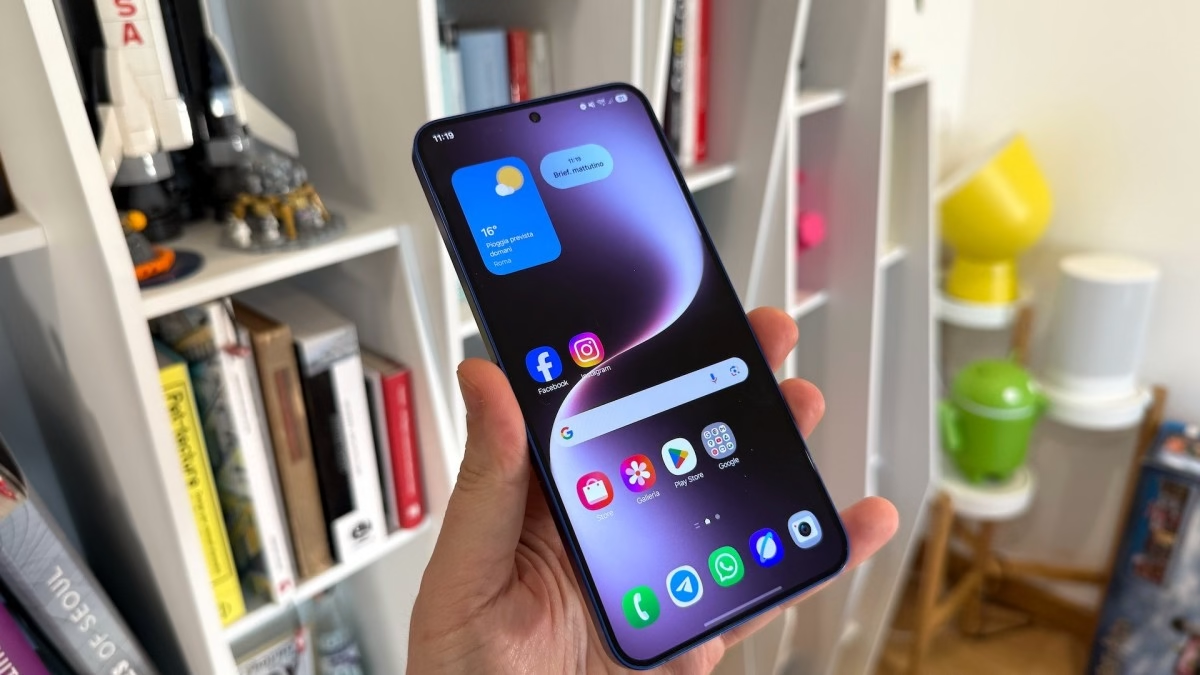
An XDA Developers forum user, an Android developer and long-time Galaxy phone user, documented four silent changes introduced by the update to One UI 9.0 on their Galaxy S25: all modifications were disabled or corrected immediately after discovery. It is therefore important to check if you have also encountered these changes, as some of them could significantly impact daily device usage.
One UI 9: why it matters
The first change concerns the virtual keyboard. After the update, the system silently replaced Gboard with Samsung’s default keyboard. Although this is not a catastrophic change, users accustomed to Gboard for years and its specific features may immediately notice the difference in the user interface. You can reset your preferred keyboard from system settings, but the unexpected behavior after an update is noteworthy.
The second change concerns battery protection and has more significant practical implications. One UI offers three levels of protection: basic (charges to 100%, then stops and resumes when charge drops to 95%), adaptive, and maximum, which allows limiting charging between 80% and 95%. The user in question had set a limit of 90%, a common choice among those who wish to preserve long-term battery longevity. One UI 9 restored the basic protection, returning to fully charging the device to 100%. If you also had a custom limit set, it is advisable to verify your current setting.
The third change concerns Auto Blocker, a Samsung security feature that prevents the installation of applications from unofficial sources and blocks commands via USB cable, unauthorized software updates, and other potentially risky operations. For an average user, this is a useful protection to keep always active. However, for a developer testing their own apps directly on the physical device, Auto Blocker can be limiting. The user had disabled this feature on One UI 8.5 and, after updating to One UI 9, found Auto Blocker reactivated.
What changes and what are the effects
The last change concerns Super HDR, Samsung’s version of Google Ultra HDR. When active, the display amplifies the brightness and contrast of compatible content, such as videos uploaded in HDR format on Instagram or other social media. This can cause a sudden increase in brightness while viewing Reels in the dark, an effect defined by the user as “flashbang”: a sudden flash that hits only the video area and not the app interface. The user had disabled Super HDR for this reason, but One UI 9 automatically reactivated it. If you often use your phone in dark environments and own a Galaxy S24 or S25, it is advisable to check this setting.
Source and further reading on One UI 9: original article.
* Content created with the assistance of artificial intelligence systems.